
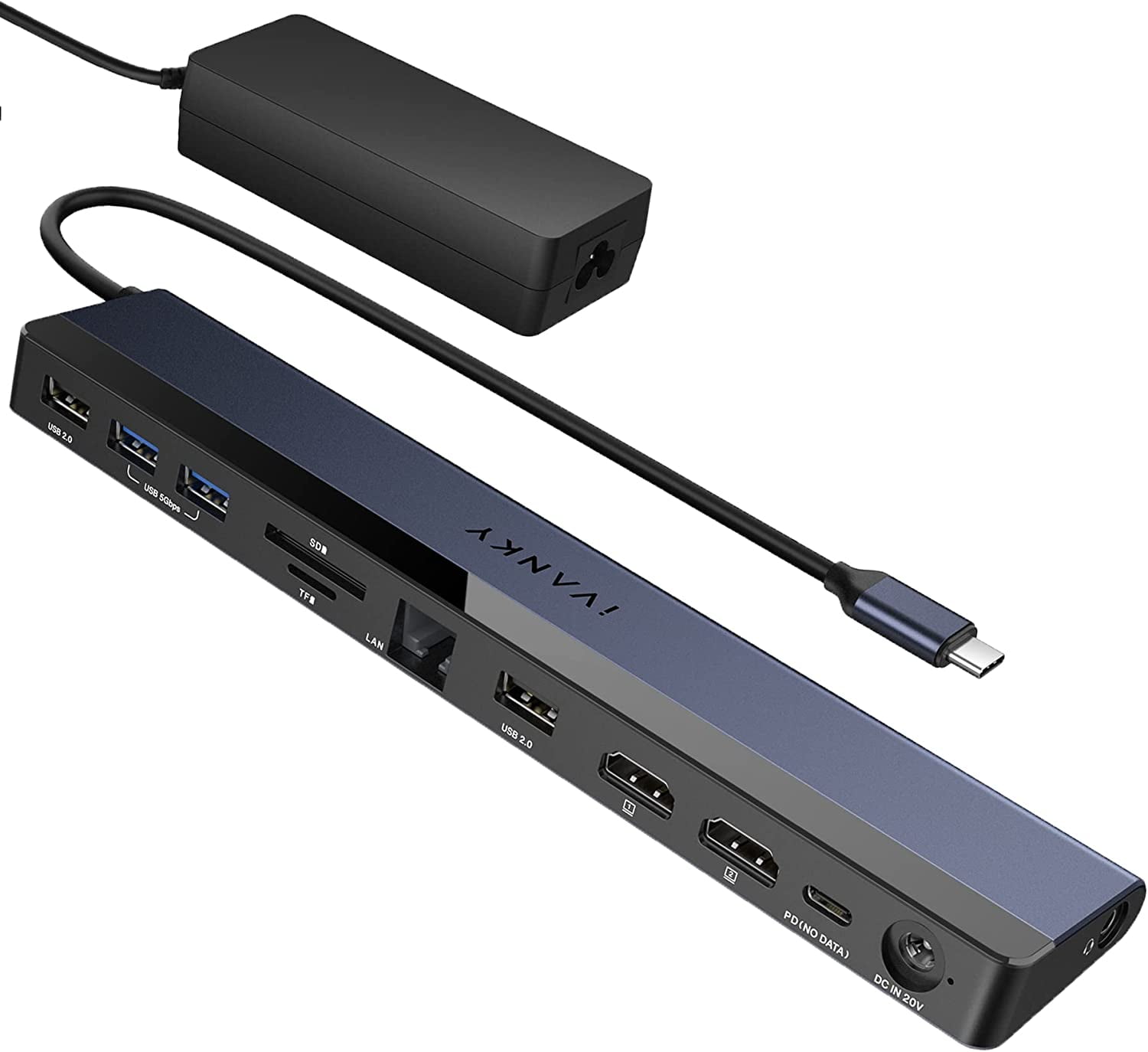
iVANKY EdgeDock 1 USB C Laptop Docking Station with 100W Power Adapter 12-in-1 85W PD Dock Dual 4K HDMI Display
Product details
| Management number | 230556864 | Release Date | 2026/06/18 | List Price | US$32.00 | Model Number | 230556864 | ||
|---|---|---|---|---|---|---|---|---|---|
| Category | |||||||||
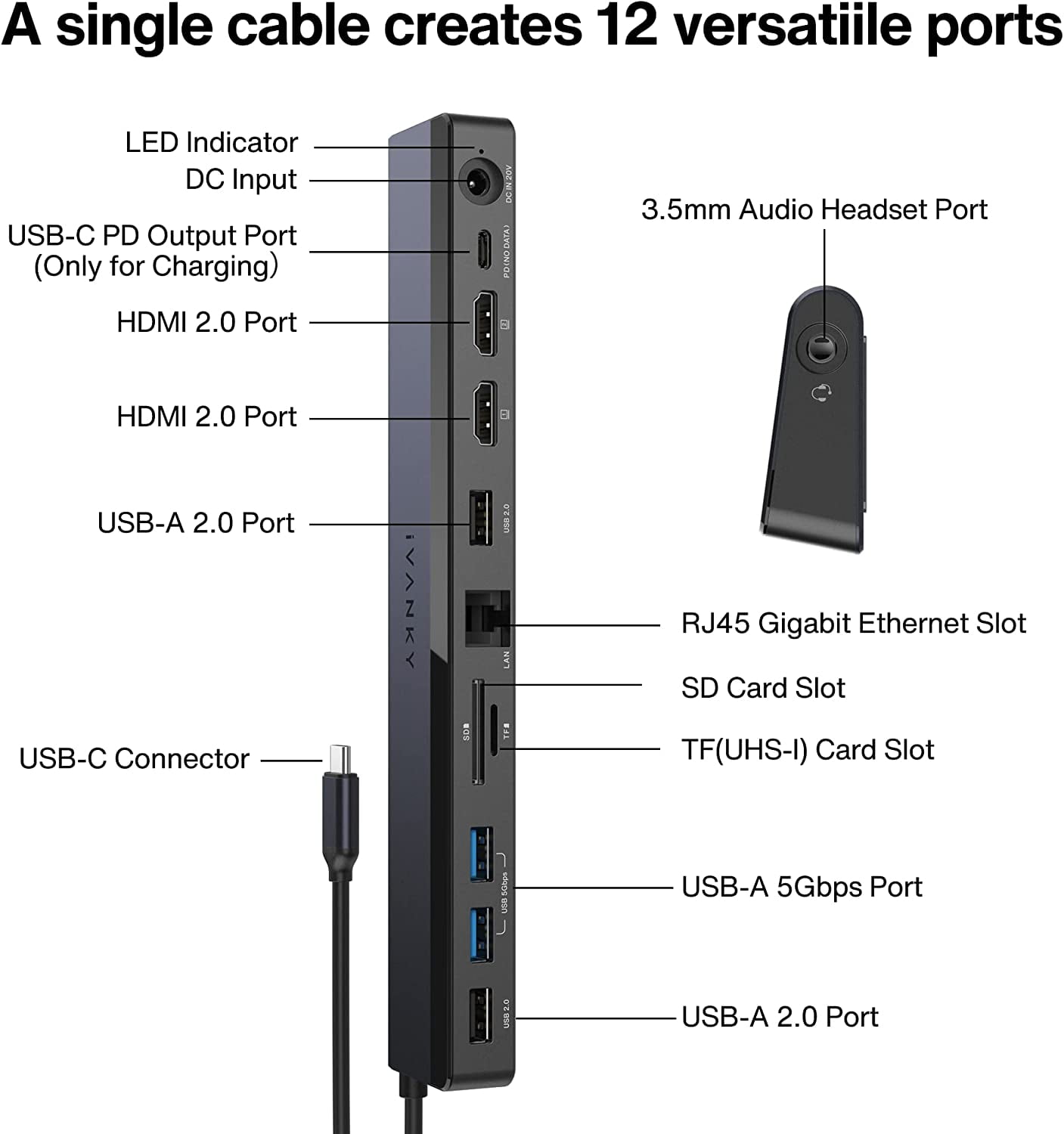
<h2>iVANKY 12-in-1 85W PD Dock USB C Laptop Docking Station with 100W Power Adapter Dual 4K HDMI Display </h2> <br><br><br> Product information:<br> Style: 12-in-1 <br> Color: Black <br> Hardware Interface:USB Type C, Ethernet, HDMI, 3.5mm Audio, USB 3.0, USB 2.0, Secure Digital Card<br>Compatible Devices:Steam Deck, Microsoft surface Pro 7/8, Microsoft Surface Go, Dell XPS/ Inspiron/ G/ Alienware series, HP Spectre/ ENVY/ Pavilion/ OMEN/ ZBook/ Elite, etc series, Lenovo ThinkBook/ Yoga/ ThinkPad/ Legion, etc series, Chromebook, Asus, Acer, Samsung and other brand's windows laptop. <br>Total USB Ports : 4<br> Item Dimensions LxW:16.93 x 1.72 inches<br> Number of Ports :12<br> Item Weight: 0.89 Pounds<br> Total HDMI Ports:2<br> Wattage:100 watts<br><br><br> Q&A<br> Q:Why there is no video on the extended monitor when using the dock?<br> A:Because it only supports the laptop with USB-C 4.0 port, Thunderbolt 3/4 port or full-functional USB-C port to get the video on the monitor.<br><br> Q:What can I do if the extended monitor flickers?<br> A:1. Try a shorter video cable 2. Try a different monitor that is known to be running well. 3. Update your operating system to the latest version. 4. Try to reset the NVRAM. 5. Don't use HDMI converter.<br><br> Q:What can I do if there is no video on the monitor while attached to the video port?<br> A:1. Try to disconnect and reconnect the docking station to your laptop. 2. Try to power off and power on your monitor 3. Unplug and plug the power cable of the docking station to restart it.<br><br> Q:What can I do if the USB ports are not functioning<br> A:1. Try to disconnect and reconnect the docking station to your laptop. 2. Check the USB ports. Try plugging the USB device into another port. 3. Try to connect your device to the front USB-A or USB-C port<br><br> Q:Why can't the dock charge my laptop?<br> A:If your laptop's original adapter is over 100W, we would recommend that you use the original power adapter to charge your laptop and use our dock's power adapter to power the dock<br><br> <video draggable="false" poster="https://i5.walmartimages.com/asr/abd1d21d-4713-4e35-ba9f-351dbe90cfbf.cceaedf9024c9aac1a42bed0a266f179.jpeg?odnHeight=2000&odnWidth=2000&odnBg=FFFFFF" width="100%" height="100%"><source src="#" type="video/mp4"></video> <video draggable="false" poster="https://i5.walmartimages.com/asr/724dccc1-c31e-4346-b734-3f3887082ba0.e986b453c3b114b1ef4a3a658d3ca82e.jpeg?odnHeight=768&odnWidth=768&odnBg=FFFFFF" width="100%" height="100%"><source src="#" type="video/mp4"></video> <video draggable="false" poster="https://i5.walmartimages.com/asr/700dceae-b3b1-46ac-a2ea-f6c34da8e146.e3446c582e46b84b2834f6149742016c.jpeg?odnHeight=2000&odnWidth=2000&odnBg=FFFFFF" width="100%" height="100%"><source src="#" type="video/mp4"></video> <video draggable="false" poster="https://i5.walmartimages.com/asr/b7735f65-5bd5-460d-b591-ae48ec2687a3.e651f12e0f4f6e577190de6dbe55a0e0.jpeg?odnHeight=768&odnWidth=768&odnBg=FFFFFF" width="100%" height="100%"><source src="#" type="video/mp4"></video>
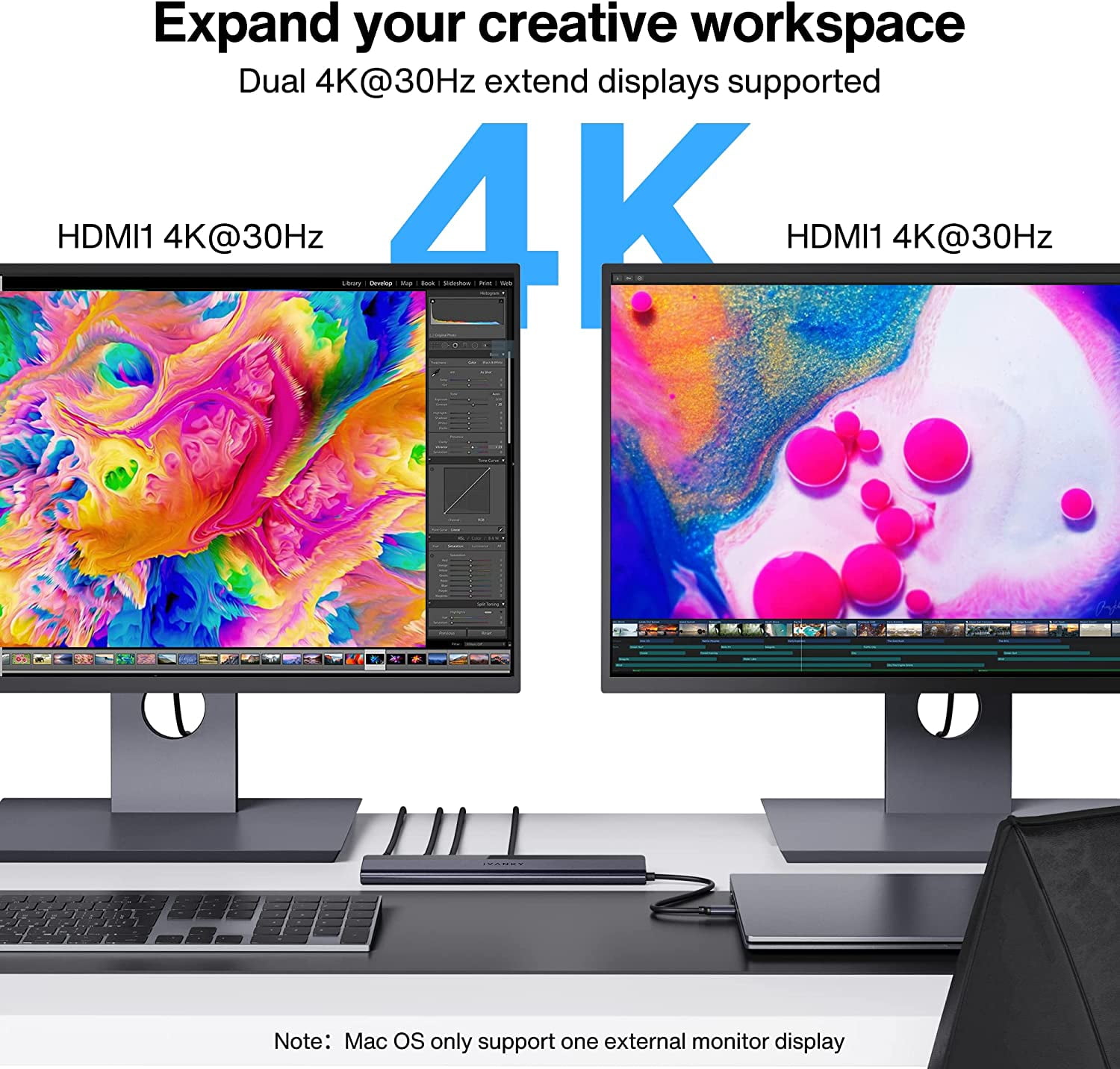
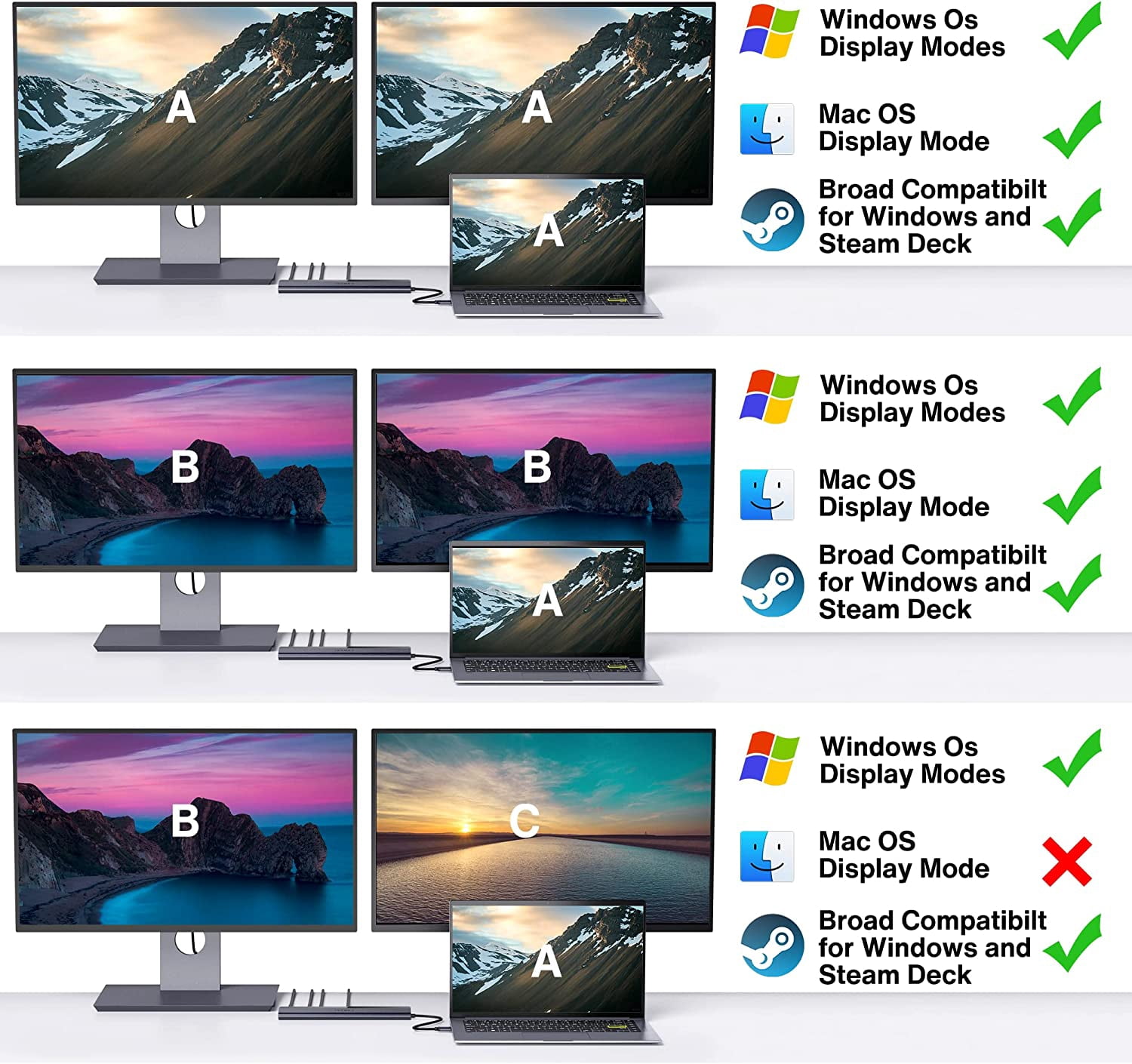
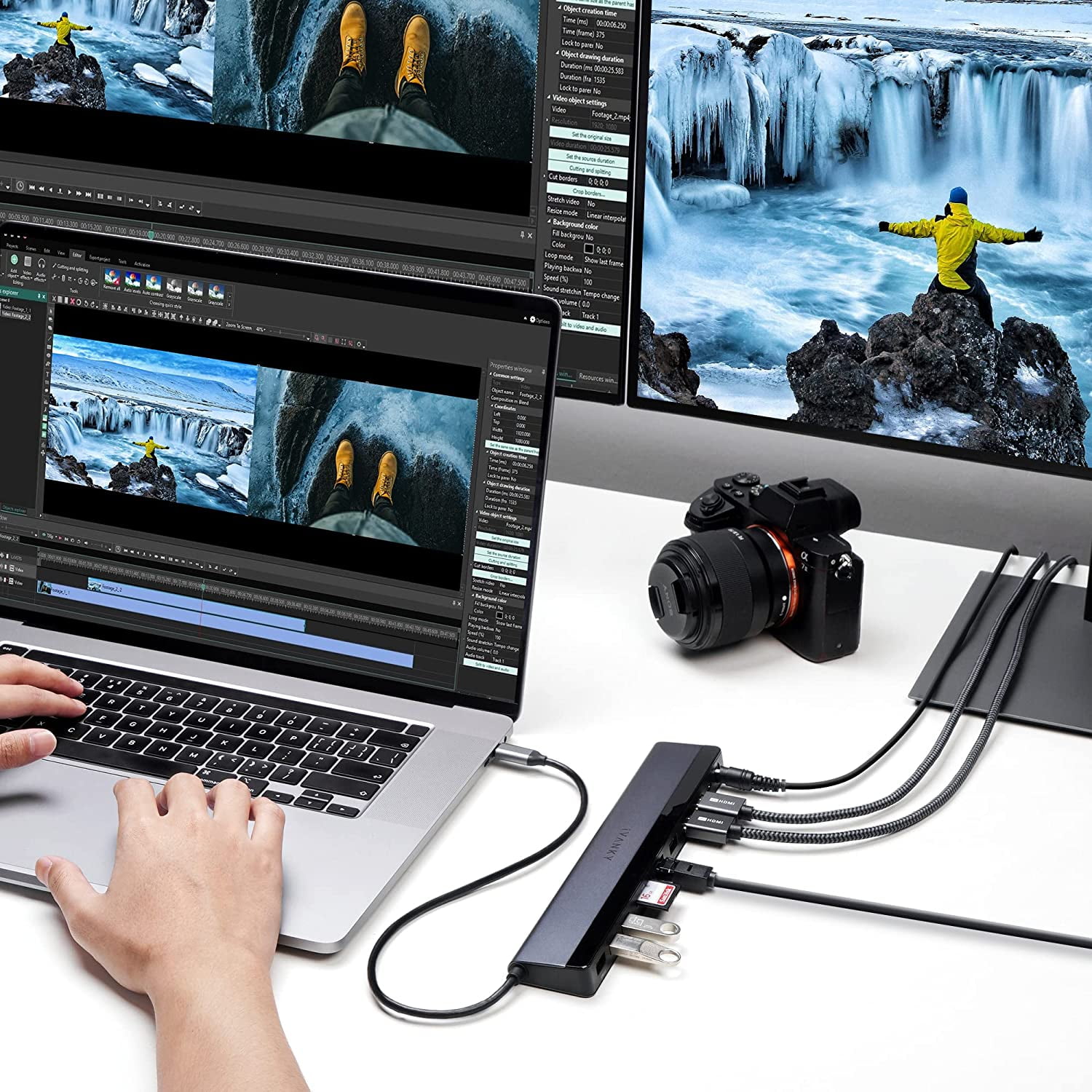
- 【Dual 4K@30Hz Displays】No need to download any driver, just connect to 2 HDMI ports and you can use the dual monitors in 4K@30Hz
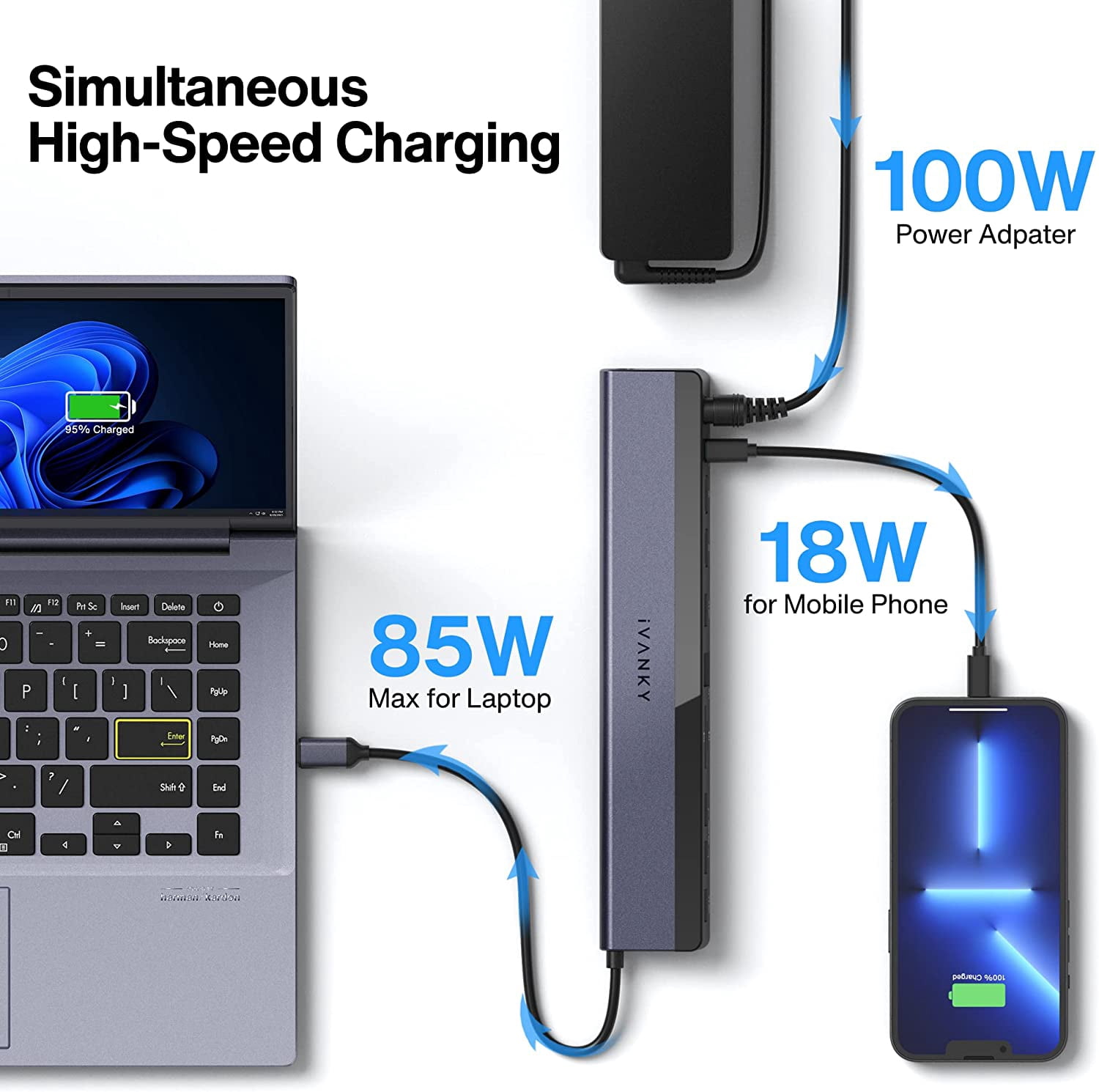
- 【85W Laptop Charging】With the 100W power adapter, this dock supports up to 85W laptop charging or go down to 65W while the 18W PD port is occupied for charging your phone or tablet
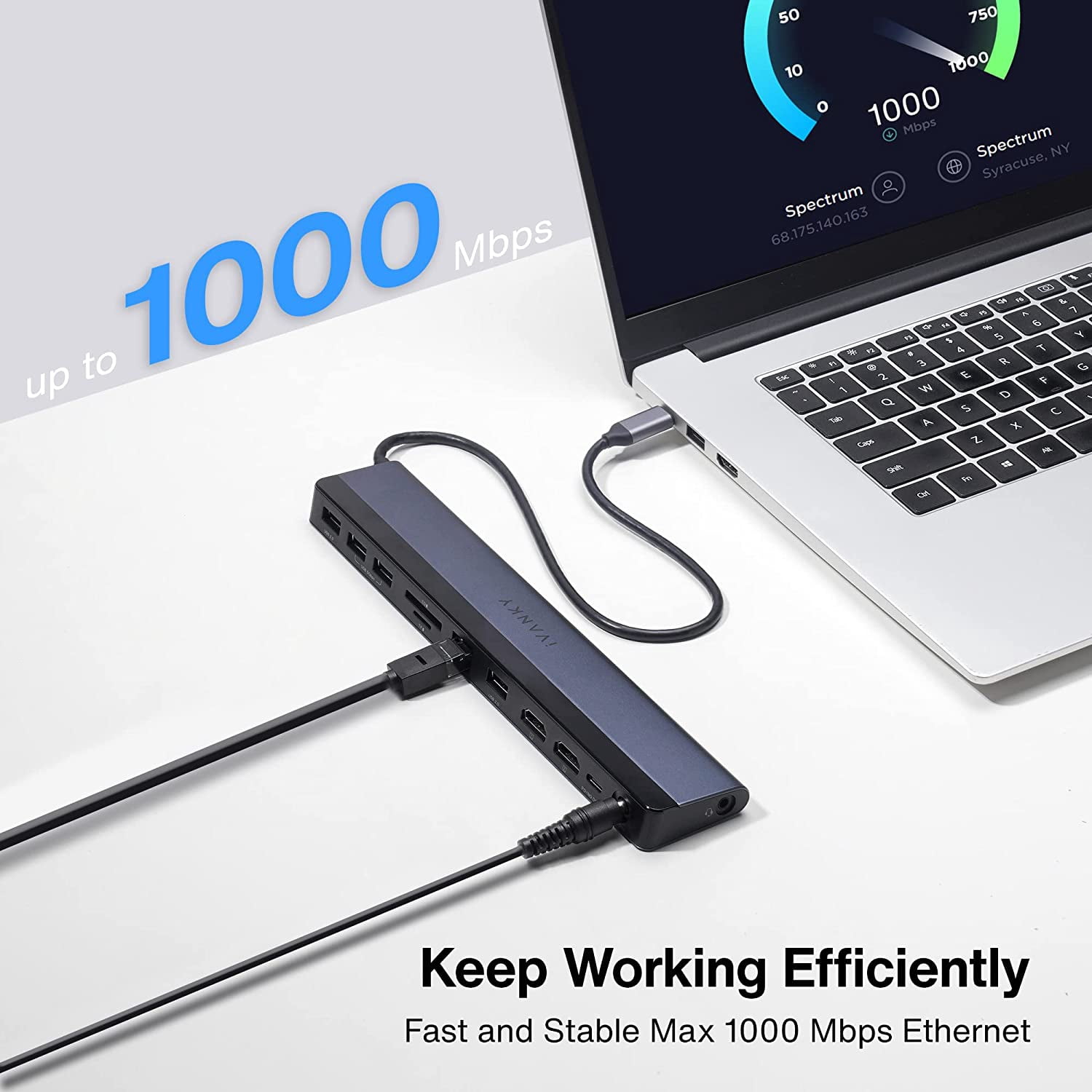
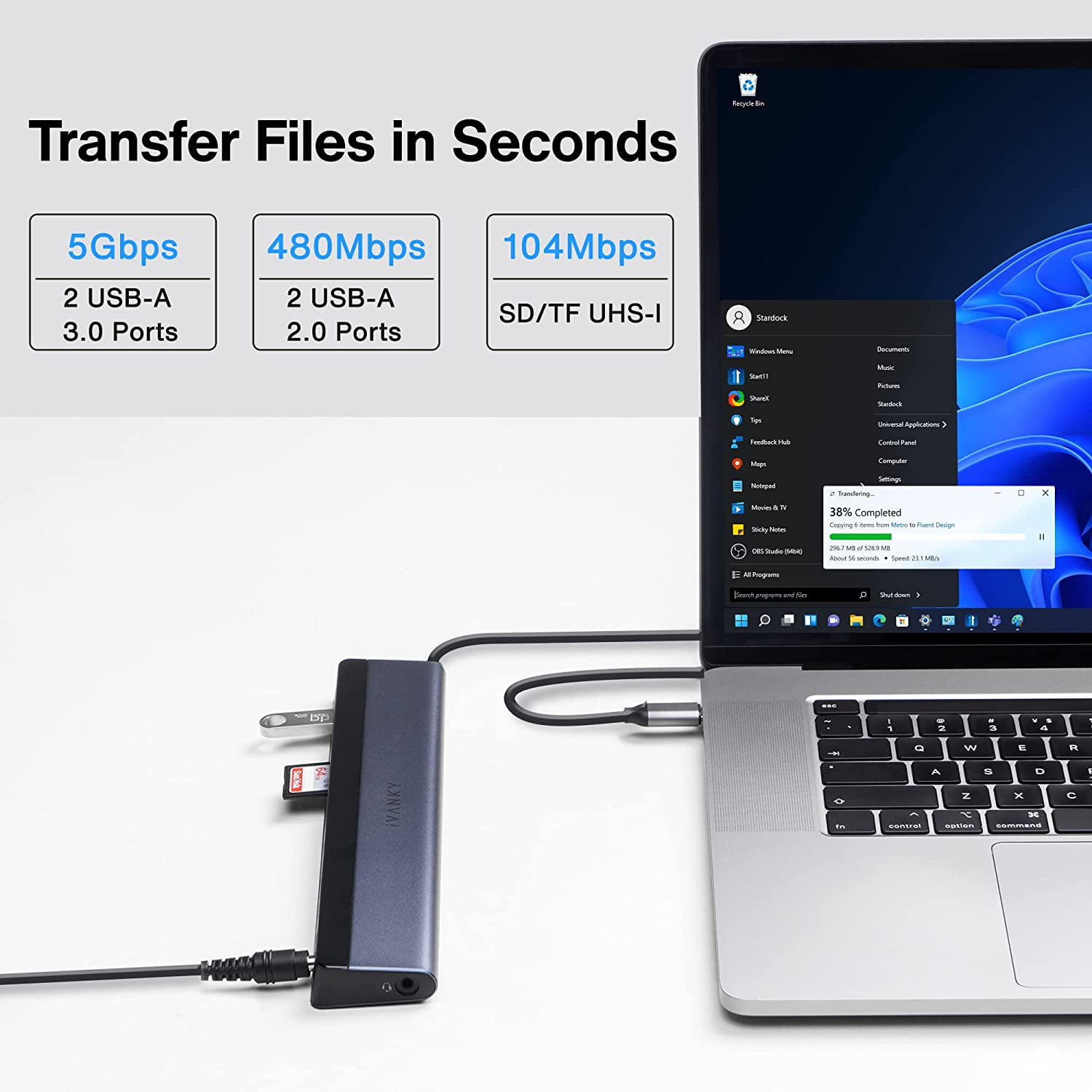
- 【Lightning-fast in Every Crucial Path】Equipped with 2*USB 3.0 and 2*USB 2.0 port, which can support up to 5Gbps data transfer and allow you connect enough external equipment. The SD/TF card slot can support up to 104Mb/s and the RJ45 Gigabit Ethernet port can keep 1000Mb/s Ethernet smoothly and stably
- 【Broad Compatibility】This dock is perfect for windows laptop with USB-C 4.0 port, Thunderbolt 3/4 port or full-functional USB-C port, it’s also compatible with Steam Deck
- 【Product Guarantee】You can get a 12-in-1 dual 4K HDMI monitors Display docking station with 54-month worry-free warranty and a friendly customer service which can answer any of your question within 24 hours during weekday. If you meet any problems with the dock, we will be glad to replace you with a new one for free
| Compatibility | Steam Deck, Microsoft surface Pro 7/8, Microsoft Surface Go, Dell XPS/ Inspiron/ G/ Alienware series, HP Spectre/ ENVY/ Pavilion/ OMEN/ ZBook/ Elite, etc series, Lenovo ThinkBook/ Yoga/ ThinkPad/ Legion, Chromebook, Asus, Acer, Samsung and other brand's windows laptop |
|---|---|
| Maximum number of monitors | 2 |
| Inputs/Outputs | USB Type C, Ethernet, HDMI, 3.5mm Audio, USB 3.0, USB 2.0, Secure Digital Card |
| Resolution | 4K@30Hz |
| Usb version | USB 3.0 |
| In/Out type | HDMI |
| Input/output quantity | 12 |
| Brand | iVANKY |
| Accessories | 100W Power Adapter |
| Model name | iVANKY EdgeDock 1 USB C Laptop Docking Station |
| Color | Black |
| Weight | 0.89 lbs |
Bestseller ranking
Computers

Customers who viewed this product also viewed
Salad Spinners


Correction of product information
If you notice any omissions or errors in the product information on this page, please use the correction request form below.
Correction Request Form